Why Is REAPER the Best DAW? Or Is It?
 4 min read
REAPER
Whoa, what DAW is that?
This is a question I hear constantly whenever I walk into a new studio to record.
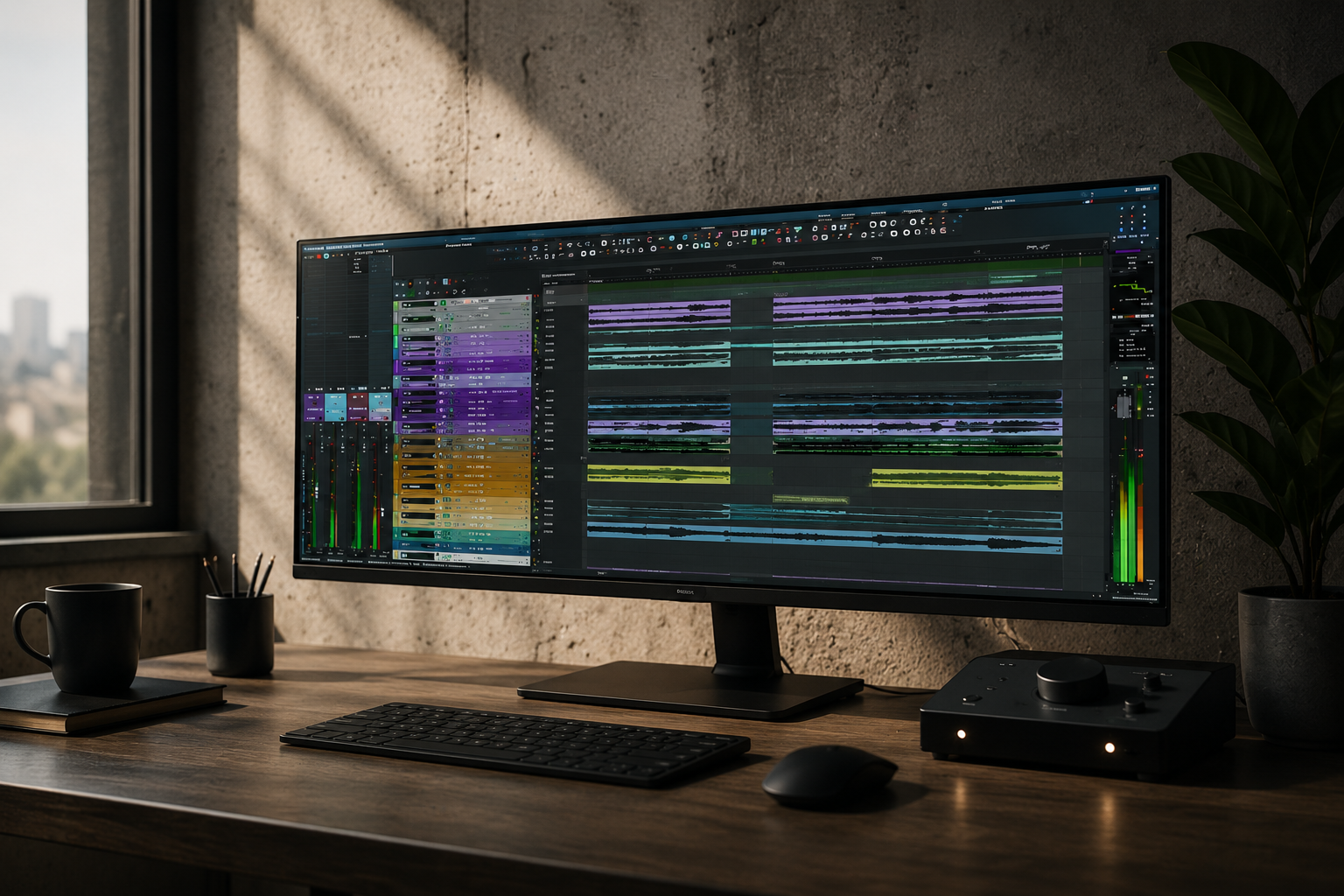
It’s just a custom Pro Tools skin,
I say, and calmly continue running the session.
In the United States, probably around 1% of engineers and producers are genuinely familiar with REAPER. Another 10–20% may have heard something about it. To everyone else, it is some obscure program that sits somewhere between GarageBand and FL Studio.
During my time at Berklee, professors and fellow students tried countless times to convince me that Pro Tools was inherently the perfect workstation and that nothing could possibly be better, simply because it is the ✨Industry Standard✨.
Here is my take.
In my opinion, REAPER is currently the most stable, versatile, and advanced tool available for working with audio.
Choosing it instead of the “industry standard” is not an attempt to stand out. It is simply a desire to use the best tool available.
If Pro Tools, or any other DAW, received a major update that made my work faster, easier, and more convenient, I would gladly switch.
So, why REAPER?
1. Stability
If this message looks familiar:
Pro Tools has quit… EXPECTEDLY
then you know how frustrating it can be to lose part of your work, your time, and your patience, especially during a live recording session.
During my time at Berklee, I worked on dozens of orchestral sessions, and it always amused me that every musician already understood the phrase “Pro Tools break”.
It meant everyone could relax while waiting for the workstation to restart and begin… well… WORKING again.
Stability is nice.
What is even nicer is having that stability inside a portable installation of roughly 150 MB, stored on a flash drive, with your complete workstation configuration available on practically any Windows or Mac computer.
It is also convenient to have immediate access from anywhere in the world. At almost any studio with an internet connection, you can download a roughly 15 MB installer and use the full functionality of the program without hardware keys, account authorizations, or similar obstacles.
REAPER has also become increasingly popular in live sound, largely because of its exceptional stability.
2. Versatility
At Berklee, I took a mastering class where Sequoia’s functionality was presented as something almost impossibly advanced, something that unquestionably justified its extraordinary price.
I spent enough time mastering in Sequoia, and honestly, I could not find anything it could do that REAPER could not handle in its standard configuration, including resampling algorithms and similar functions.
If there are any Sequoia users reading this, I would be interested to hear your perspective.
The same applies to other workstations.
For example, when I asked an engineer at Boston Symphony Hall:
Why Nuendo?
he replied that it allowed him to place effects on a channel while recording.
My reaction was:
Where can’t you do that?🤔
Oh, right. Pro Tools.
To be fair, REAPER is not a gift from the gods, and certain features are implemented significantly better in other DAWs.
Examples include Satellite in Pro Tools, integration with Dolby Atmos Renderer and AAF workflows, Chord Track in Cubase, and several other features.
But overall, the balance still leans heavily in one direction.
Interestingly, in the game audio industry, where people regularly work with thousands of audio files and tracks at once, REAPER is already close to being an industry standard.
At that scale, the amount of time saved through automation becomes especially obvious.
Which brings me to the next point.
3. Advanced functionality
This is where comparisons become difficult, because it is hard to name something REAPER fundamentally cannot do with audio.
Every track can function as an audio track, MIDI track, aux, folder, submix, send, or master bus.
It can also function as all of those things at the same time.
There is no rigid distinction between mono and stereo tracks. Every track can contain up to 128 channels by default, which means it can effectively function even as a master bus for an Atmos renderer.
REAPER’s action system and open architecture allow users to automate almost any operation inside the program, saving an enormous amount of time.
For example, I barely know what manual track coloring is anymore.
Whenever I import a project, the entire session is automatically colored according to my own instrument-based color system.
And that is only one example among countless unique capabilities.
And it’s also under constant development, with updates often released every one to three weeks.
P.S.
And we have not even talked about customization yet…